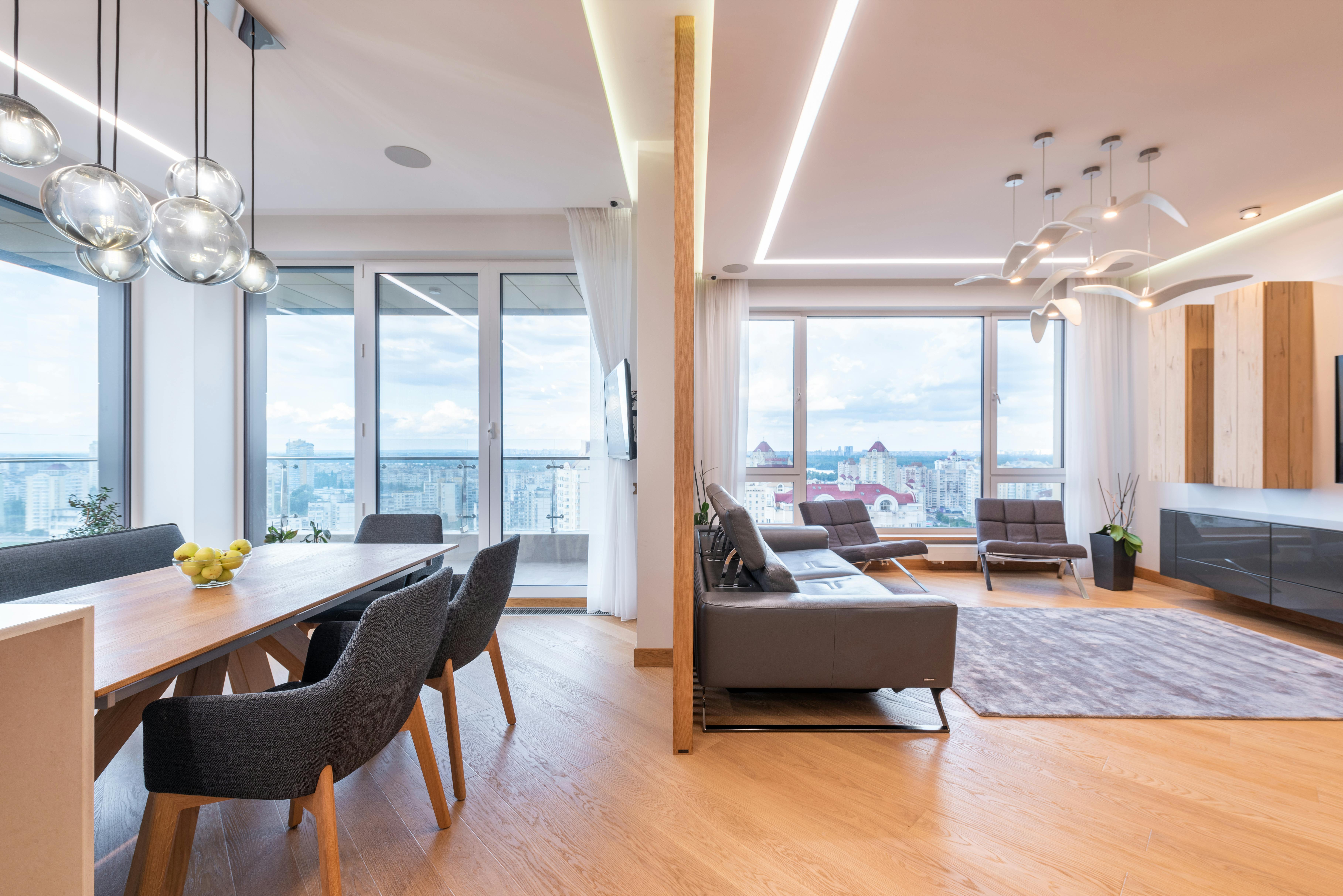
Make your next home feel "away-ish."
Simplify your search.
You’re not starting from scratch with every listing. Awayish narrows your options so you can focus on the best fits for your needs.


Real listings. Real availability.
Partner listings are kept current, with decision-ready details that help you avoid dead ends and outdated availability.
Help built into the process.
We’ll help with Awayish-related questions like account access, application steps, and MatchPass™—so you can keep moving.
How Awayish Works
Browse partner listings, apply once, then match only with units that fit.
How Awayish Works
Browse partner listings, apply once, then match only with units that fit.
How Awayish Works
Browse partner listings, apply once, then match only with units that fit.
Browse partner listings
See live listings from Awayish partner properties — all in one place.
Browse partner listings
See live listings from Awayish partner properties — all in one place.
Browse partner listings
See live listings from Awayish partner properties — all in one place.
Apply once
Complete one application to verify your fit and unlock matches.
Apply once
Complete one application to verify your fit and unlock matches.
Apply once
Complete one application to verify your fit and unlock matches.
Get filtered results
Your portal shows only units you've matched with, plus your amenity preferences.
Get filtered results
Your portal shows only units you've matched with, plus your amenity preferences.
Get filtered results
Your portal shows only units you've matched with, plus your amenity preferences.
Save favorites
Shortlist the units you actually want — no messy tabs or repeated forms.
Save favorites
Shortlist the units you actually want — no messy tabs or repeated forms.
Save favorites
Shortlist the units you actually want — no messy tabs or repeated forms.
Match or schedule a tour
When you “Match,” your MatchPass is sent only to that property.
Match or schedule a tour
When you “Match,” your MatchPass is sent only to that property.
Match or schedule a tour
When you “Match,” your MatchPass is sent only to that property.
Lease directly with the property
Tour, choose your best fit, then finalize the lease with the property team.
Lease directly with the property
Tour, choose your best fit, then finalize the lease with the property team.
Lease directly with the property
Tour, choose your best fit, then finalize the lease with the property team.
Your MatchPass summary is shared only with partner properties you choose—not publicly
FAQs
FAQs
FAQs
Applying, matching, and touring — here’s how it works.
Do I have to apply before I can see matches?
Yes. You can browse partner listings on the site, but you’ll need to apply to unlock your personalized matches—units you qualify for and that fit your preferences.
What is MatchPass?
MatchPass is the decision-ready summary we share with a partner property when you choose to “Match” with a unit. It helps properties review you faster without you re-entering everything again.
Will I get a copy of my MatchPass summary?
No. MatchPass™ is shared only with the partner property (or properties) you choose to Match with. We do this so your information crosses as few channels as possible.
Does applying guarantee I’ll be approved?
No. Awayish helps confirm fit and streamline the process, but final approval and leasing decisions are made by each property.
Can I tour a unit without matching?
You are always able request a tour directly with a property outside of Awayish. However, our matching process is the fastest path because it shares your decision-ready info with that property upfront. Our goal is for you to not have to apply to multiple properties.
Can I match with more than one property?
Yes. You can favorite multiple units and match with more than one partner property—especially helpful if you want backup options.
How long does it take to get my filtered results after I apply?
Typically, you’ll see your filtered matches 24-48 hours after completing your application. We'll notify you if if anything needs review, or some additonal details are needed for your screening.
What if I don’t match any listings after applying?
That usually means availability or requirements don’t line up right now. Update your preferences (or widen your filters) and keep browsing—new partner availability is added as listings update.
How do favorites work?
Favorites are your short-list inside the portal. Save the units you actually want, then match or schedule tours from that list.
Do I apply again for each property?
No. You apply once through Awayish, then match with partner properties from your filtered results.
Do you charge renters to apply?
Yes—there’s just a $99.95 fee. This includes your application and access to your personalized matches. You’ll see the exact total breakdown before submitting payment.
Who do I contact if I have questions about a specific unit?
For unit-specific questions (availability, lease terms, move-in timing), you’ll contact the property once you match or schedule a tour. For application/portal help, contact Awayish support.
How is my information shared?
Your information is not broadcast to everyone. It’s shared only with the partner property (or properties) you choose when you match.
I applied through Awayish and toured an apartment I like. Now what?
It's as sumple as that! Now, you just have to sign the lease with the property manager, owner, or landlord. After that, get ready to move in!
Do I have to apply before I can see matches?
Yes. You can browse partner listings on the site, but you’ll need to apply to unlock your personalized matches—units you qualify for and that fit your preferences.
What is MatchPass?
MatchPass is the decision-ready summary we share with a partner property when you choose to “Match” with a unit. It helps properties review you faster without you re-entering everything again.
Will I get a copy of my MatchPass summary?
No. MatchPass™ is shared only with the partner property (or properties) you choose to Match with. We do this so your information crosses as few channels as possible.
Does applying guarantee I’ll be approved?
No. Awayish helps confirm fit and streamline the process, but final approval and leasing decisions are made by each property.
Can I tour a unit without matching?
You are always able request a tour directly with a property outside of Awayish. However, our matching process is the fastest path because it shares your decision-ready info with that property upfront. Our goal is for you to not have to apply to multiple properties.
Can I match with more than one property?
Yes. You can favorite multiple units and match with more than one partner property—especially helpful if you want backup options.
How long does it take to get my filtered results after I apply?
Typically, you’ll see your filtered matches 24-48 hours after completing your application. We'll notify you if if anything needs review, or some additonal details are needed for your screening.
What if I don’t match any listings after applying?
That usually means availability or requirements don’t line up right now. Update your preferences (or widen your filters) and keep browsing—new partner availability is added as listings update.
How do favorites work?
Favorites are your short-list inside the portal. Save the units you actually want, then match or schedule tours from that list.
Do I apply again for each property?
No. You apply once through Awayish, then match with partner properties from your filtered results.
Do you charge renters to apply?
Yes—there’s just a $99.95 fee. This includes your application and access to your personalized matches. You’ll see the exact total breakdown before submitting payment.
Who do I contact if I have questions about a specific unit?
For unit-specific questions (availability, lease terms, move-in timing), you’ll contact the property once you match or schedule a tour. For application/portal help, contact Awayish support.
How is my information shared?
Your information is not broadcast to everyone. It’s shared only with the partner property (or properties) you choose when you match.
I applied through Awayish and toured an apartment I like. Now what?
It's as sumple as that! Now, you just have to sign the lease with the property manager, owner, or landlord. After that, get ready to move in!
Do I have to apply before I can see matches?
Yes. You can browse partner listings on the site, but you’ll need to apply to unlock your personalized matches—units you qualify for and that fit your preferences.
What is MatchPass?
MatchPass is the decision-ready summary we share with a partner property when you choose to “Match” with a unit. It helps properties review you faster without you re-entering everything again.
Will I get a copy of my MatchPass summary?
No. MatchPass™ is shared only with the partner property (or properties) you choose to Match with. We do this so your information crosses as few channels as possible.
Does applying guarantee I’ll be approved?
No. Awayish helps confirm fit and streamline the process, but final approval and leasing decisions are made by each property.
Can I tour a unit without matching?
You are always able request a tour directly with a property outside of Awayish. However, our matching process is the fastest path because it shares your decision-ready info with that property upfront. Our goal is for you to not have to apply to multiple properties.
Can I match with more than one property?
Yes. You can favorite multiple units and match with more than one partner property—especially helpful if you want backup options.
How long does it take to get my filtered results after I apply?
Typically, you’ll see your filtered matches 24-48 hours after completing your application. We'll notify you if if anything needs review, or some additonal details are needed for your screening.
What if I don’t match any listings after applying?
That usually means availability or requirements don’t line up right now. Update your preferences (or widen your filters) and keep browsing—new partner availability is added as listings update.
How do favorites work?
Favorites are your short-list inside the portal. Save the units you actually want, then match or schedule tours from that list.
Do I apply again for each property?
No. You apply once through Awayish, then match with partner properties from your filtered results.
Do you charge renters to apply?
Yes—there’s just a $99.95 fee. This includes your application and access to your personalized matches. You’ll see the exact total breakdown before submitting payment.
Who do I contact if I have questions about a specific unit?
For unit-specific questions (availability, lease terms, move-in timing), you’ll contact the property once you match or schedule a tour. For application/portal help, contact Awayish support.
How is my information shared?
Your information is not broadcast to everyone. It’s shared only with the partner property (or properties) you choose when you match.
I applied through Awayish and toured an apartment I like. Now what?
It's as sumple as that! Now, you just have to sign the lease with the property manager, owner, or landlord. After that, get ready to move in!